AI Exam Paper Builder: Let AI Draft Your Test Paper in Minutes
How Pakistani teachers use an AI exam paper builder to draft a full test paper in minutes, then edit it before printing.
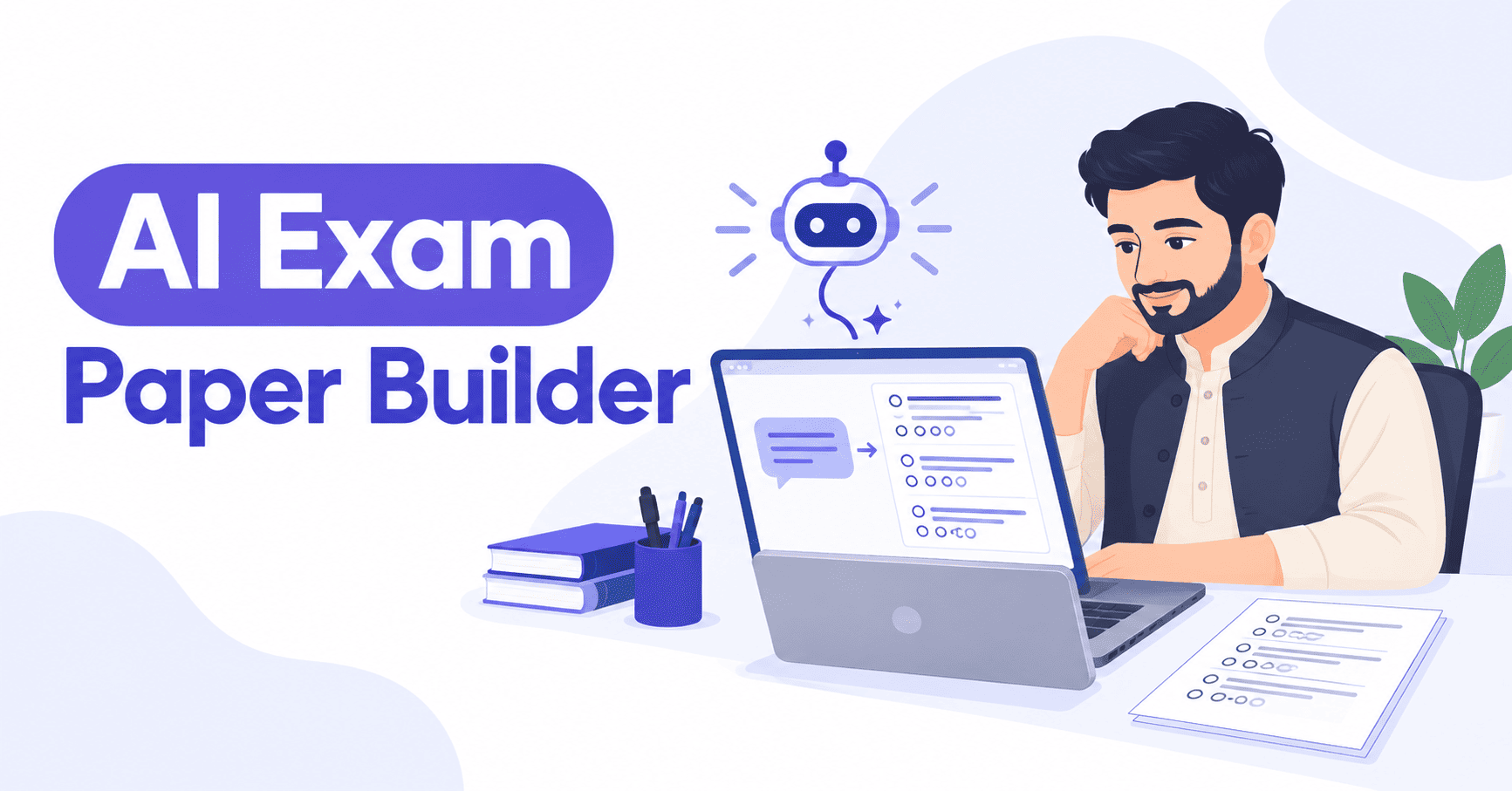
Writing a full test paper by hand takes an evening: type every MCQ, balance the marks, format the Urdu options, then fix the layout before it prints straight. An ai exam paper builder skips most of that. You describe the paper you want in plain sentences, and the AI writes a first draft - questions, options, marks - which you then edit inside the same editor before you print. It doesn't replace the teacher who knows the syllabus; it replaces the blank page.
What an AI Exam Paper Builder Actually Does
Inside N&P Builder, the AI builder is a second way to start a paper, alongside building it question by question yourself. You connect your own AI key - OpenRouter, OpenAI, Claude or Gemini all work - and describe the paper: the subject, the class, the chapters or topics, how many questions of each type, and the language. The AI drafts a complete paper using the same 13 question types available everywhere else in the tool, from MCQs with (الف)(ب)(ج)(د) options to matching columns, fill-in boxes and true/false.
A typical description looks like: "Class 8 Science, chapters 3 and 4, 15 MCQs, 5 short questions, 10 marks per section, in English." The AI reads a plain sentence like that and returns a structured draft, already split into sections and ready to open in the editor rather than a wall of text you'd have to reformat yourself.
How to Build a Test Paper with the AI Builder, Step by Step
- Open N&P Builder and start a New Paper, then choose the AI Builder option instead of building question by question.
- Paste your own API key once - from OpenRouter, OpenAI, Claude or Gemini - so the AI drafts using your account.
- Describe the paper in a sentence or two: subject, class, chapters or topics, how many MCQs, matching columns or short questions you want, and the language - Urdu, English or Arabic.
- The AI returns a full draft in seconds, already sorted into the paper's sections.
- Open the draft in the normal editor and edit any question, fix a wrong option, or swap a question type - it works exactly like a paper built by hand.
- Switch to preview: pick A4, Letter, Legal or A3, portrait or landscape, and check the page breaks before you print, so what you see is what prints.
Which AI Key Should You Connect
If you don't already use an AI tool, OpenRouter is usually the simplest starting point - one key gives you access to several different AI models without opening an account with each one separately. If you already pay for OpenAI, Claude or Gemini for something else, you can use that same key here instead of setting up a new one. Either way, the key only draws on whatever plan you already have with that provider - N&P Builder doesn't add its own AI charge on top.
What to Check in the Draft Before You Print
Treat the first draft the same way you'd treat a paper set by a colleague: read it before it goes to the printer. A short checklist covers most mistakes:
- The marks for every section add up to the total you asked for.
- No MCQ has two options that mean the same thing, or a missing correct answer.
- Urdu or Arabic spelling and spacing look right, especially in words the AI may not know from your school's syllabus.
- The difficulty matches the class - a class 5 Maths paper shouldn't quietly slip in a matric-level question.
- The preview's page breaks don't split a question, a matching column or a diagram across two pages.
Why Teachers Across Pakistan Use This Over Writing Papers by Hand
If you teach Urdu, Maths or Science from class 5 through matric, describing the paper in your own words is usually faster than clicking through question types one at a time. That's the real appeal for a teacher setting a paper the night before a test, not building a product from scratch. You can make one free and try it on your next test paper before deciding whether to upgrade. Schools that want every teacher using the same setup can read our guide to running one exam paper generator for schools in Pakistan.
An AI exam paper builder is a drafting tool, not a marking scheme. Read every question it writes before you print, and use the checklist above rather than trusting the draft outright. Most teachers find editing an AI draft takes ten minutes; writing the same paper from scratch takes closer to an hour, especially for a full-length test paper with several question types and a mix of Urdu and English sections.
Common questions
Do I need my own AI subscription to use it?
Yes - you connect your own key from OpenRouter, OpenAI, Claude or Gemini, and the AI drafts using that account. Without a key, you can still build the paper manually on the free plan.
Can I change what the AI writes before printing?
Yes. The draft opens in the same editor as a paper you build by hand, so you can edit, delete or add questions, matching columns or fill-in-the-blanks before you preview or print.
Does the AI builder work for Urdu and Arabic papers?
Yes. Ask for the paper in Urdu or Arabic and the draft comes back in the right script, right-to-left, laid out the same way as a paper you typed yourself.
Start with one subject, one class, and let the ai exam paper builder handle the first draft - the editing is faster than the writing ever was.