Board Pattern Exam Paper Generator for Pakistani Teachers
How to set up a board pattern exam paper generator layout once and reuse the same structure every term with new questions.
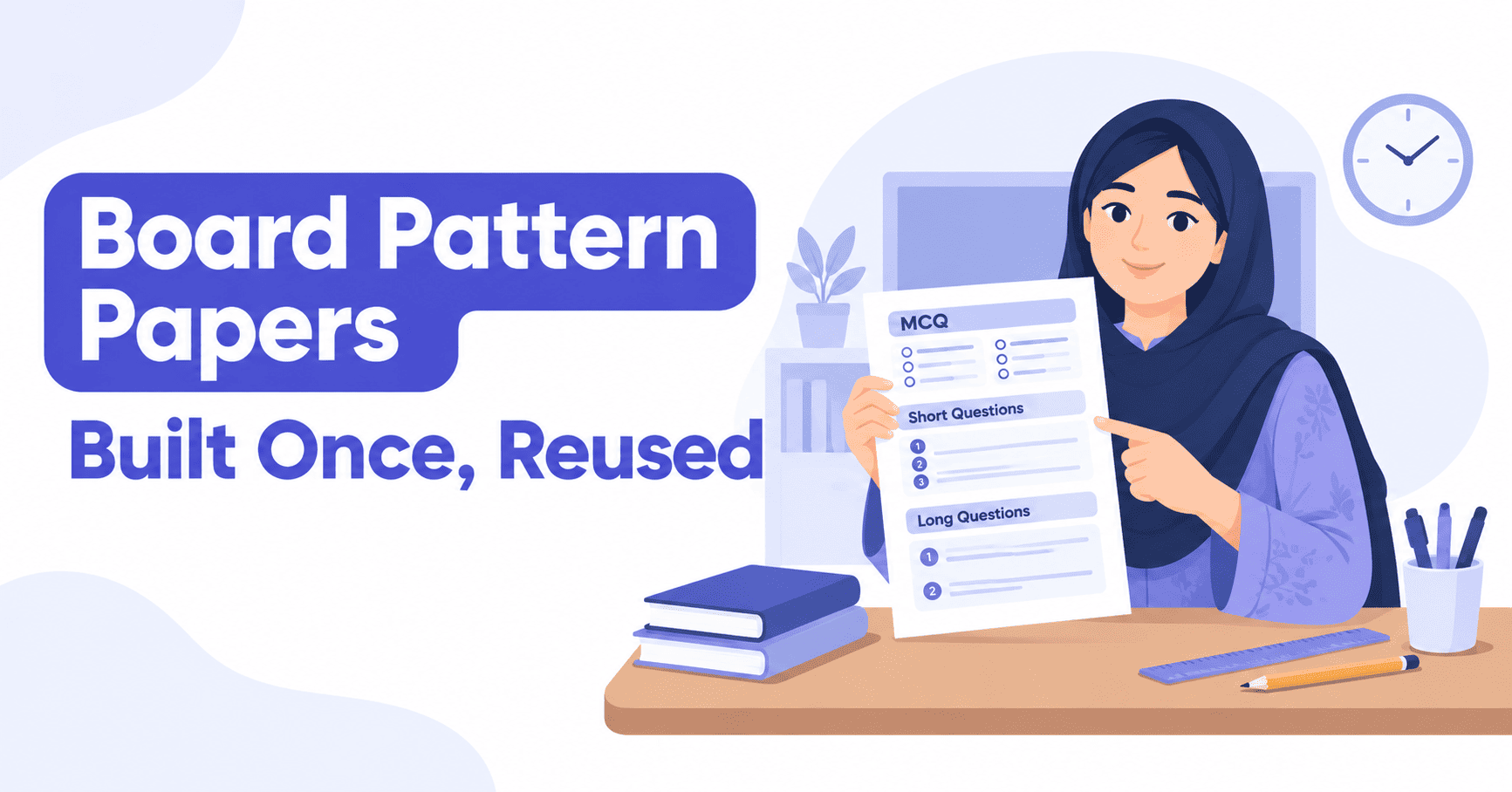
Matric and intermediate teachers can't hand out a generic worksheet and call it a test - the paper has to follow the board's pattern: a fixed order of sections, a set marks distribution, and usually a specific paper size. A board pattern exam paper generator lets you build that layout once and reuse it every term, changing only the questions.
What "Board Pattern" Actually Means When You're Building a Paper
In practice, a board pattern is a consistent structure: an MCQ section first, usually with (الف)(ب)(ج)(د) options, then short questions, then long questions, each with its own marks weighting, printed on a set paper size - most often A4 in Pakistan. A generator that supports 13 question types and multiple paper sizes lets you set that structure up directly instead of fighting a word processor's margins and tables.
Building a Board Pattern Exam Paper Generator Layout, Step by Step
- Start a new paper and choose the class and subject - for example matric Science or class 9 Urdu.
- Build the MCQ section first, using (الف)(ب)(ج)(د) numbering if that's your board's usual style, then add matching columns, true/false or fill-in-table sections beneath it, in the order your board expects.
- Set the marks for each section so the total matches what the board's paper requires.
- Choose the paper size and orientation your board prints on - A4 portrait is the common choice, though Letter, Legal, A3 and landscape are all available if needed.
- Preview the paper - the screen shows exactly where each page will break before you print, so you catch a question left dangling at the bottom of a page.
- Save the paper to your account once the pattern is right, then duplicate it next term and swap in new questions - the pattern itself doesn't need rebuilding.
Each of these steps happens inside the same editor used for any other paper - there's no separate template mode to learn. The board-pattern paper you build looks and behaves like any other paper in the account, just with the sections locked into your board's usual order.
Reusing the Same Pattern Instead of Rebuilding It Every Term
That's what makes a board pattern exam paper generator worth setting up once instead of building fresh every term: the paper stays saved to your account, searchable and filterable by class or subject, ready to duplicate. If your question bank lives in an old Excel sheet, importing it is the fastest way to refill a saved pattern with fresh questions each term - see how to set up a question bank. New to the tool itself? You can make one free before committing to a paid plan.
Mistakes That Break a Pattern Once It's Saved
Most problems show up after the layout is duplicated, not while it's being built the first time:
- Adding a new question type to one duplicated paper without adding it to the others, so the "same pattern" quietly drifts apart across sections.
- Changing the marks for one question without updating the section total, so the paper no longer adds up to what the board expects.
- Switching paper size for a one-off printing need and forgetting to switch back, so the next duplicate inherits the wrong size.
- Skipping the preview step after duplicating, which is exactly when a page break is most likely to land somewhere new.
A quick preview check before printing catches all four, which is faster than reprinting after handing papers out.
A Typical Board Pattern Breakdown
Patterns vary by board and by subject, but many matric and intermediate papers follow a shape close to this, which is easy to set up as a starting layout and adjust to your own board's exact marks:
| Section | Question type | Typical marks |
|---|---|---|
| Section A | MCQs with (الف)(ب)(ج)(د) options | 1 mark each |
| Section B | Short questions or fill-in boxes | 2-3 marks each |
| Section C | Long questions or matching columns | 4-5 marks each |
Once this shape is built and saved, changing it for a different subject is usually a matter of swapping the question types in each section rather than starting the layout over. A lighter subject like Urdu or Islamiyat might only need two sections - MCQs and long questions - while a subject like Maths often adds a section of vertical sums or fill-in tables instead of long-answer questions. The building process is the same either way; only the section list changes.
Common questions
Does it match my specific board's format exactly?
You build the sections, marks and paper size to match your board yourself - the generator gives you the question types and layout control, not one fixed template for a single board.
Can the whole subject department keep the same pattern?
Yes - once one teacher builds and saves the layout, others can duplicate it and change only the questions, so every class in the subject prints to the same pattern.
What paper size do most board pattern exams use?
A4 portrait is the most common choice in Pakistan, but Letter, Legal, A3 and landscape are all available if your board or school prints differently.
A matric Science pattern and a class 8 Urdu pattern can both be saved to the same account and duplicated separately whenever either is needed, so a teacher handling more than one class doesn't have to choose between them. Build the board pattern exam paper generator layout once, and every paper after it is just new questions in an old, familiar shape.