MCQ Paper Maker Online: Make Urdu and English MCQ Tests Fast
How to make a neat MCQ test paper in Urdu or English, and how to write MCQs that really test what students know.
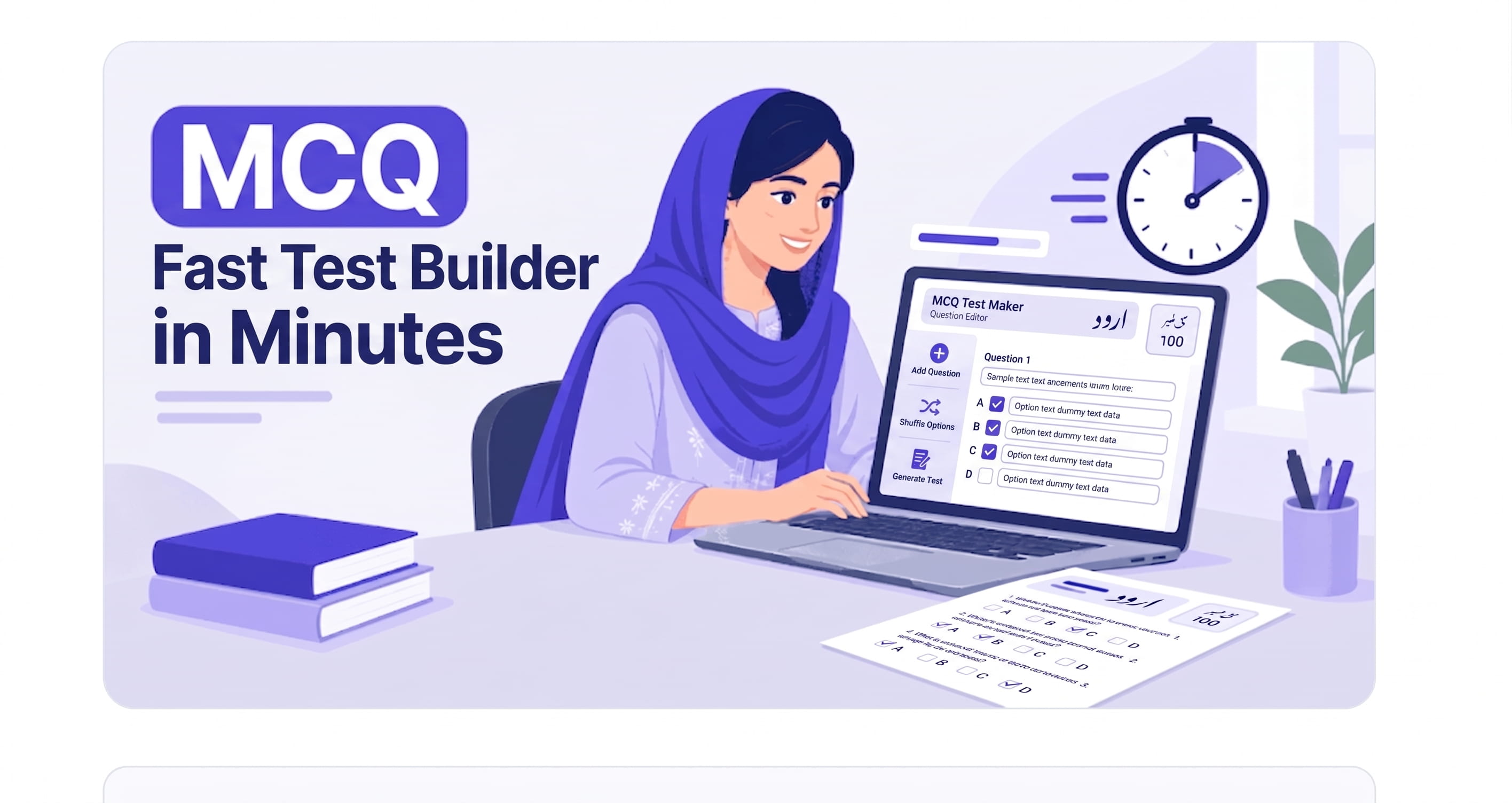
MCQs look like the easiest part of a paper, but they take the longest to type. Four options for every question, the (الف) (ب) (ج) (د) labels on an Urdu paper, brackets that jump to the wrong side, and options that refuse to line up. An MCQ paper maker online removes all of that. You type the question and the four options, and the layout, labels and spacing are done for you, ready to print on A4. This guide shows how to make a complete MCQ test paper, and how to write MCQs that actually test what students know.
Why Use an MCQ Paper Maker Online Instead of Word
In Word, every MCQ is a small formatting job. You press Tab to line up options, and one long option pushes the rest out of place. Urdu makes it harder, because the text runs right to left but numbers and brackets often do not behave. After an hour of fixing, the page still prints differently from what you saw on screen.
A paper banane wala tool built for this job works differently:
- The labels are automatic. Urdu papers get (الف) (ب) (ج) (د), written right to left in a Nastaliq font.
- What you see is what prints. The preview matches the printed page, on A4, Letter, Legal or A3, with page breaks shown before you print.
- MCQs sit next to other question types. The same paper can have true/false, matching columns, one-line answers and lined answers after the MCQ section.
- It works on any device. Open it in any browser, or install it on your phone like an app.
How to Make an MCQ Test Paper Step by Step
- Start a new paper and choose the language. Urdu for Urdu, Islamiat or Pakistan Studies in Urdu medium; English for English, Maths, Science and Computer.
- Set the page. A4 portrait suits most schools in Pakistan. Check the page size before you add questions so the preview stays accurate.
- Type the heading. Class, subject, total marks and time, the same as any question paper.
- Add an MCQ section. Choose MCQs as the question type, then type the question and its four options. Add the next question the same way.
- Add the rest of the paper. Most monthly tests follow MCQs with a short section, such as true/false or one-line answers.
- Check the preview and print. Make sure no question is split across two pages, and that all four options of each MCQ stay together.
If you are new to the tool, our full guide on using an exam paper builder walks through the setup screen by screen.
How to Write MCQs That Really Test Students
A tool makes MCQs look neat, but a good MCQ still depends on the teacher. These rules work for class 3 as well as matric:
- One clear correct answer. If two options could be right, bright students lose marks for thinking too deeply.
- Wrong options should look possible. Use common student mistakes as the wrong options, not silly answers nobody would pick.
- Keep options a similar length. Students quickly learn that the longest option is usually the right one.
- Avoid all of the above and none of the above in younger classes. They test reading tricks more than knowledge.
- Move the correct answer around. If (ب) is correct in six questions in a row, students notice.
- Ask about one idea per question. Long questions with two facts in them confuse weaker readers.
Here is the difference in practice, for a class 5 Science test:
| Weak MCQ | Better MCQ |
|---|---|
| Plants need: (a) sunlight (b) water (c) air (d) all of these | Which part of the plant takes in water from the soil? (a) leaf (b) stem (c) root (d) flower |
| Water boils at: (a) 100 (b) 50 (c) 10 (d) 1000 | At what temperature does water boil at sea level? (a) 50°C (b) 80°C (c) 100°C (d) 120°C |
The better versions test one fact, use believable wrong options and give units, so a student who knows the answer can pick it with confidence.
Build Your Own MCQ Bank
Most teachers write the same kind of MCQs every year, and this is where an MCQ paper maker online saves the most time. Instead of typing them again, keep them in one place:
- Import from Excel or CSV. If you already have MCQs in a spreadsheet, bring them in once and reuse them in any paper.
- Duplicate old papers. Every paper is saved to your account. Copy last term's test and change only a few questions.
- Search and filter your saved papers to find an old MCQ test in seconds.
- Export and back up your papers so your question bank is never lost.
Let AI Write the First Draft
Writing 20 good MCQs takes time, especially the wrong options. The AI builder can help. Connect your own AI key from OpenRouter, OpenAI, Claude, Gemini or another provider, then describe what you need, for example: Class 7 English grammar, tenses, 15 MCQs, easy to medium. The AI drafts the questions and you edit them before printing.
Read every AI question with the rules above in mind. AI sometimes gives two correct options or goes outside your textbook, so the final check is always yours.
Common Questions
Can I make Urdu MCQs with (الف) (ب) (ج) (د)?
Yes. Choose Urdu as the paper language and the options are labelled (الف) (ب) (ج) (د) automatically, right to left in a Nastaliq font.
Is this MCQ paper maker online free?
Yes, you can start on the free plan. Paid packages are available through JazzCash, Easypaisa or bank transfer.
Can I make a test paper on my phone?
Yes. It works in any mobile browser, and you can install it on your phone like an app.
Your next MCQ test is only a few minutes away: make one free today.